AI Dynamic CRUD App
Features
AI Schema Detection: Automatically detects and adapts to your Notion database structure.
Dynamic Form Generation: Creates perfect forms based on field types.
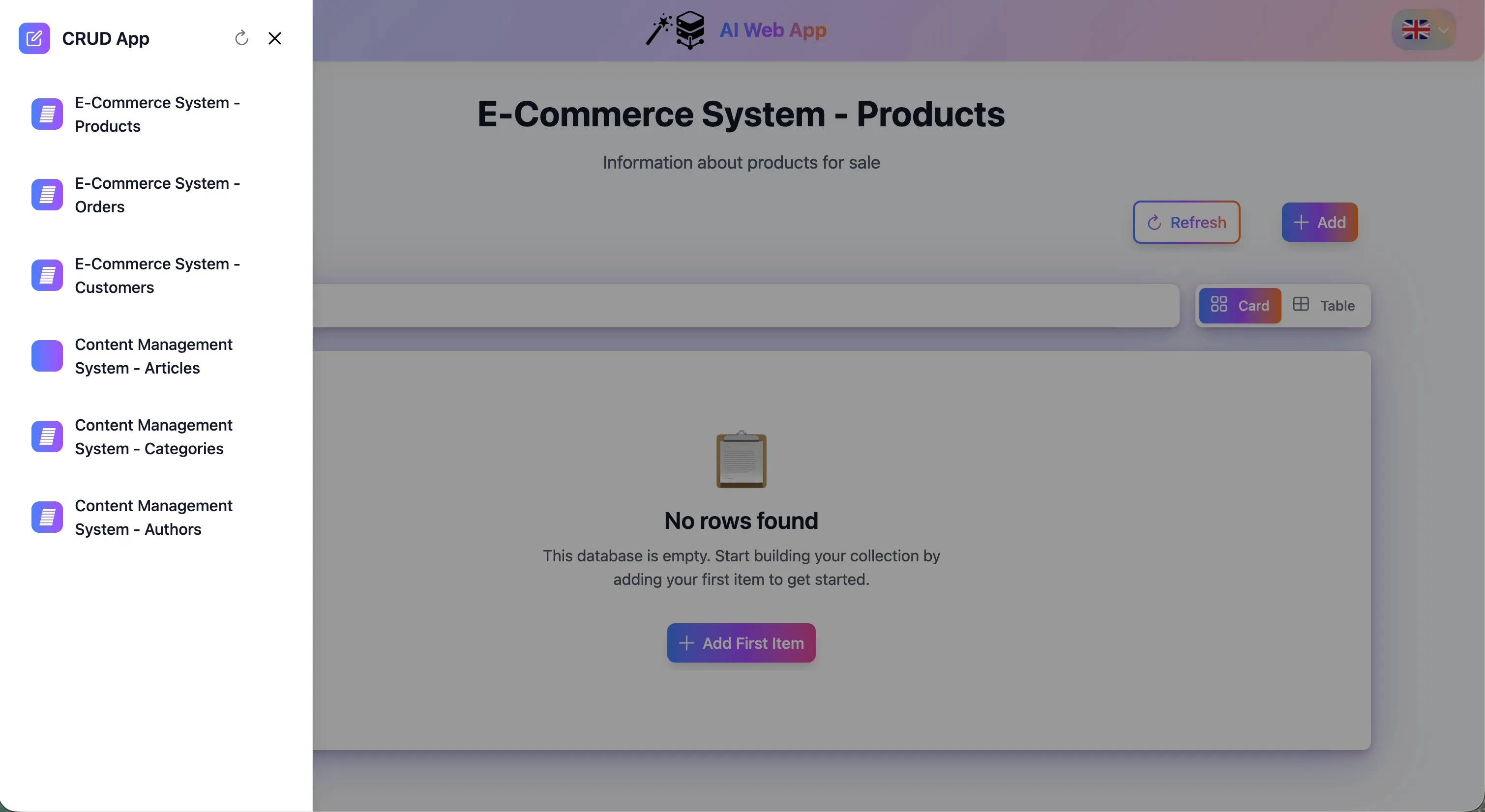
Professional Interface: Clean, modern design with card and table views.
AI Dynamic CRUD App - Powered by Gemini & Notion
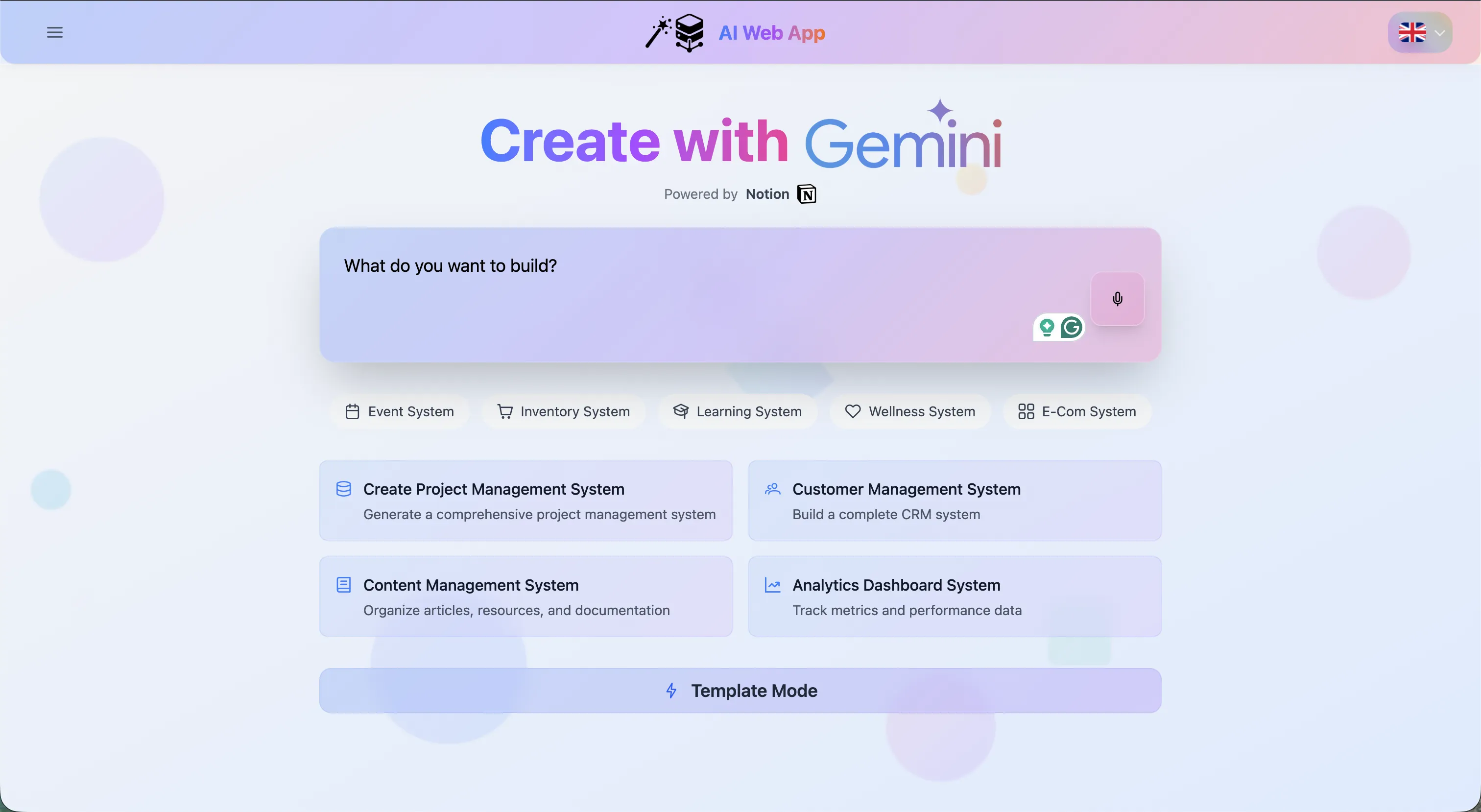
Turn your text prompts into a professional database-driven web application in less than a minute! This tool leverages Google Gemini and Notion to instantly generate customized, multi-source CRUD (Create, Read, Update, Delete) portals without writing a single line of code.
π What This Does
The AI Dynamic CRUD App is a revolutionary boilerplate generator. Instead of manually mapping schemas and creating database structures:
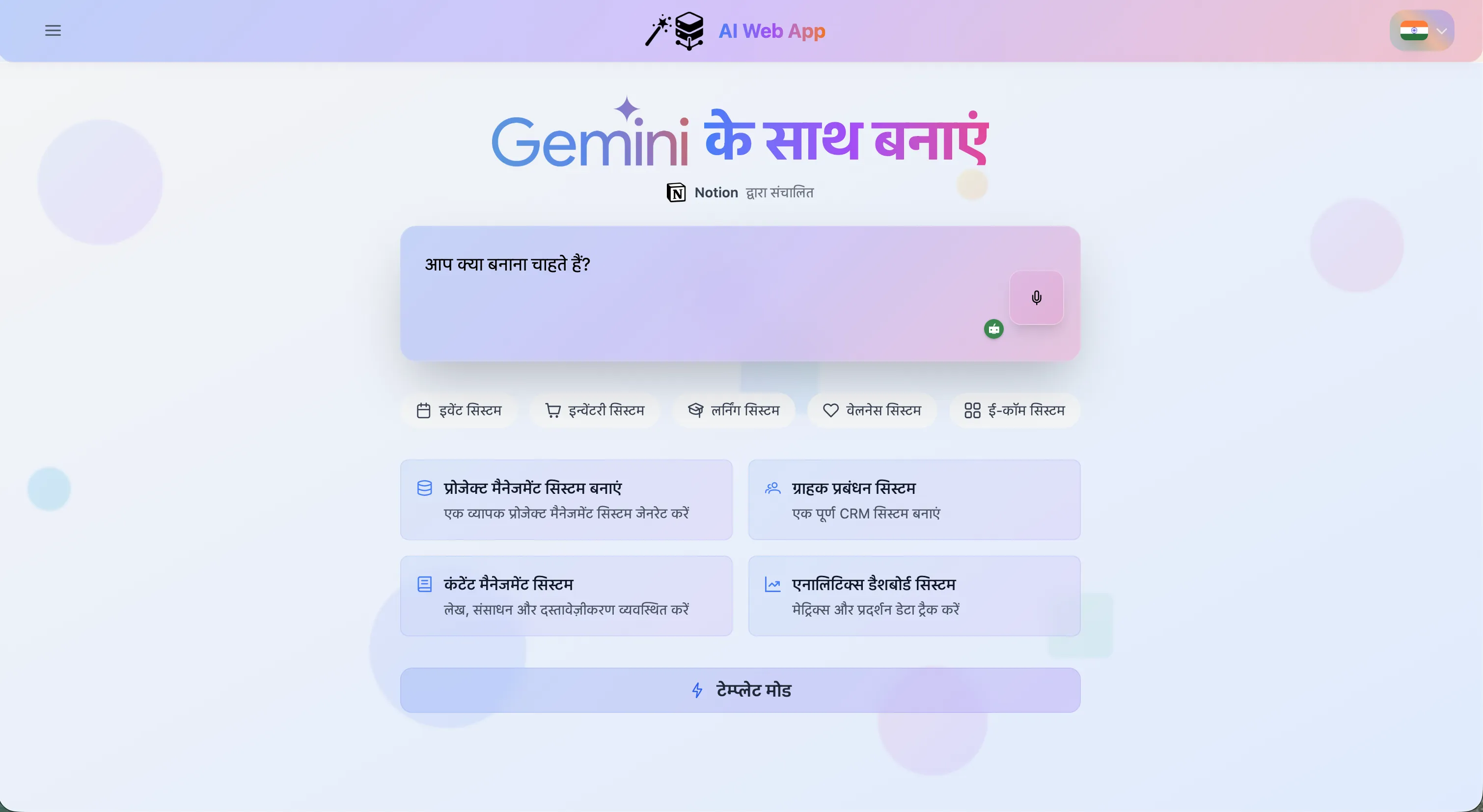
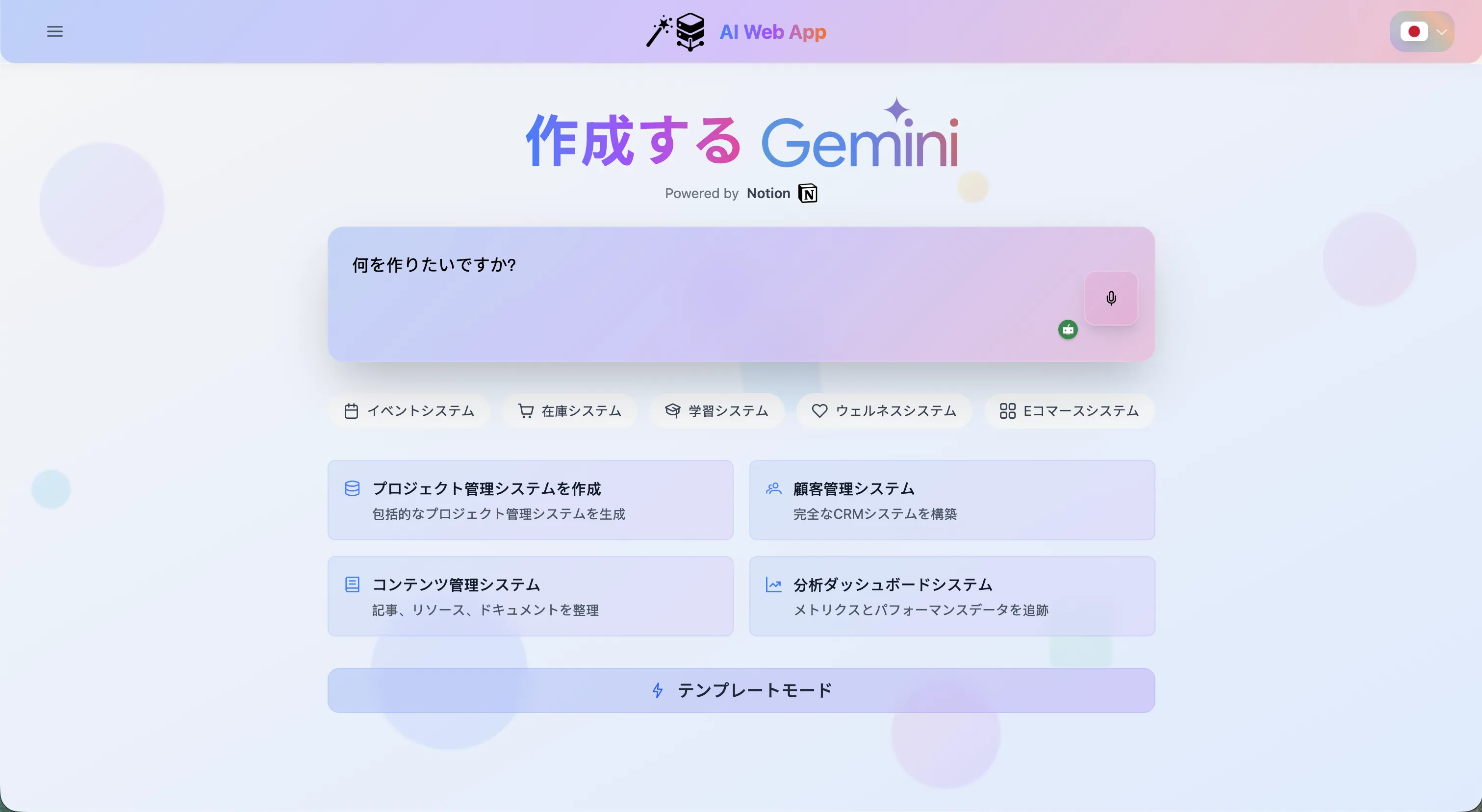
- Describe what you want (in English, Hindi, or Japanese).
- Review the AI-generated database schema perfectly structured for your needs.
- Instantly deploy a fully functional web interface connected to a Notion backend.
Perfect for rapidly bootstrapping internal tools, client portals, inventory systems, or e-commerce backends!
π Key Features
1. Natural Language to Full-Stack App
Simply describe the system you need (e.g., "I need a customer management system") or use Template Mode to select from pre-configured systems like:
- Event System
- Inventory System
- Learning System
- Wellness System
- E-Com System
- Project Management System
2. Multi-Language Support
The AI interface fully supports localization. Whether you prompt in English, Hindi (Gemini ΰ€ΰ₯ ΰ€Έΰ€Ύΰ€₯ ΰ€¬ΰ€¨ΰ€Ύΰ€ΰ€), or Japanese (δ½ζγγ Gemini), the LLM dynamically understands the context and generates the correct database architecture.
3. Review & Edit Database Structure
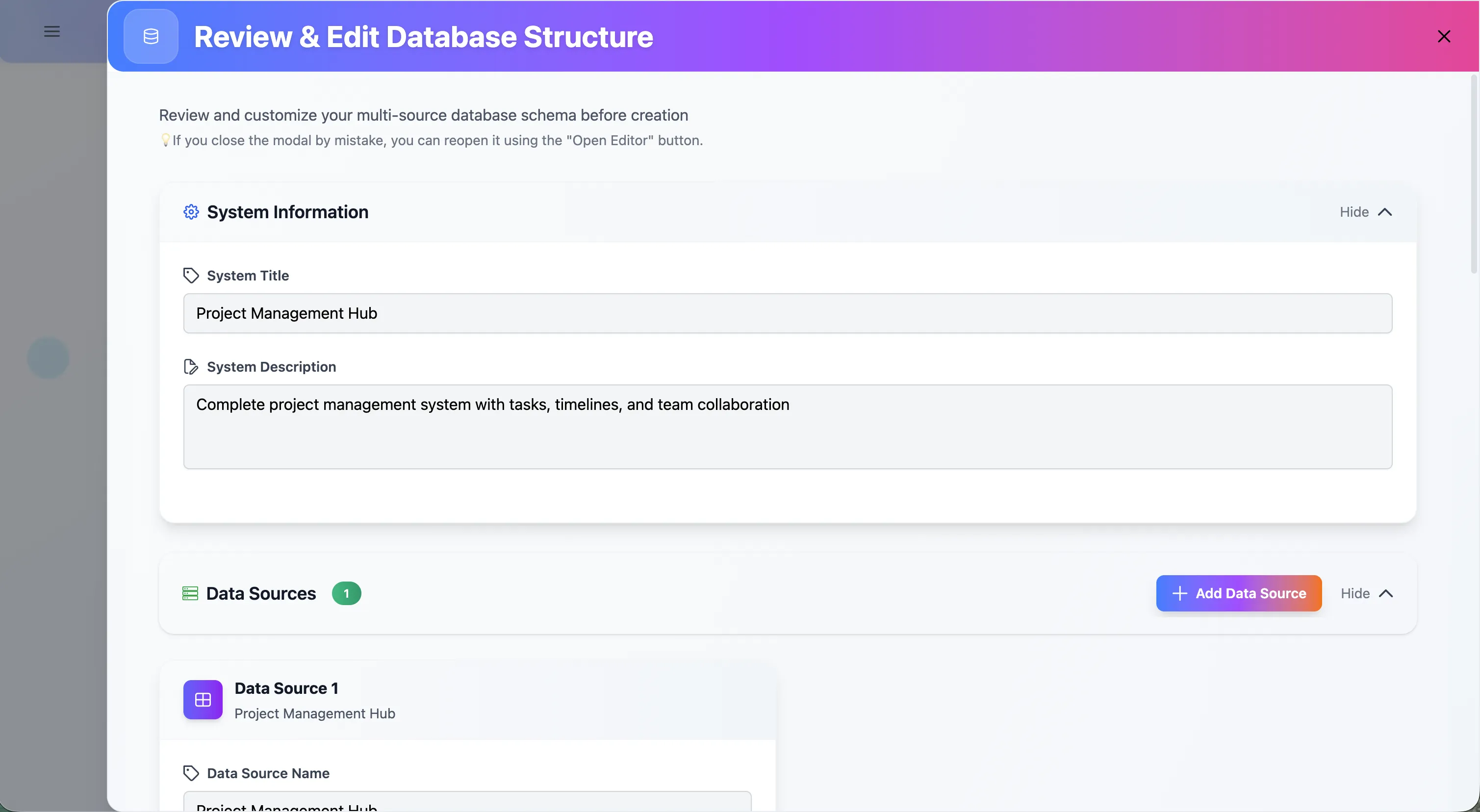
Before any database is committed to Notion, the app provides a Review Custom Modal.
- View the proposed System Title and Description.
- Add or modify Data Sources (e.g., linking multiple tables like "Products", "Orders", and "Customers" for an E-Commerce system).
- Perfect your schema before creating it.
4. Dynamic UI Generation
Once created, the app automatically generates a responsive user interface:
- Automatic routing: Sidebar navigation is instantly created corresponding to your data tables (e.g., Content Management System - Articles, Categories, Authors).
- Responsive Views: Easily toggle between "Card" and "Table" views depending on how you want to interact with your data.
- Full CRUD operations: Add, edit, or delete items natively from the generated Vue.js interface perfectly syncing back to Notion in real-time.
π οΈ How to Deploy Your Own Generated App
Because the AI does the heavy lifting, deployment takes minutes.
Step 1: Generate Your Schema
- Connect your Notion workspace to the AI App.
- Enter your prompt or select a template.
- Let Gemini generate and configure the tables inside your Notion workspace perfectly.
Step 2: Configure Your Next.js/Vue App
Take the deployed Notion Database ID and integrate it into your Netlify environment variables:
NOTION_API_KEY: Your secure integration secret.NOTION_DATABASE_ID: The root ID of the system generated by the AI.
Step 3: Launch
Once you add the environment variables, your frontend application immediately transforms. The dynamic forms, tables, and file uploads are handled entirely by analyzing the Notion schema. If you add a new column in Notion, your web app updates with a new form field instantly.
π° The Benefit
- Save Hundreds of Hours: Skip the UX/UI design phase, database architecture planning, and backend API routing.
- Zero Cost Infrastructure: Built to be hosted entirely free on Netlify and Notion.
- Easily Extensible: Since the data lives in Notion, non-technical team members can easily interact with the raw data if they don't want to use the web portal.
π‘ Technical Note: This platform uses strict Prompt Engineering bounds to ensure Gemini only outputs valid, heavily structured JSON schemas that perfectly map to Notion's Database API constraints.